Verify identity with KBA
With DocuSeal, it is possible to add an extra layer of identity verification by asking signers personal questions sourced from public records. KBA verifies a signer’s identity by asking multiple-choice questions that only the signer is likely to know (for example, previous address, phone number etc). The signer must pass the challenge before they are allowed to sign and complete the document.
This feature is available in the Cloud Pro plan
Note: KBA is available via the API, embedded, and in the Web UI upon request to support@docuseal.com.
KBA Verification Method
- Log in to your DocuSeal dashboard and upload a template from which you need to collect signatures after KBA verification.
- Once uploaded drag and drop the necessary fields from the right side panel.
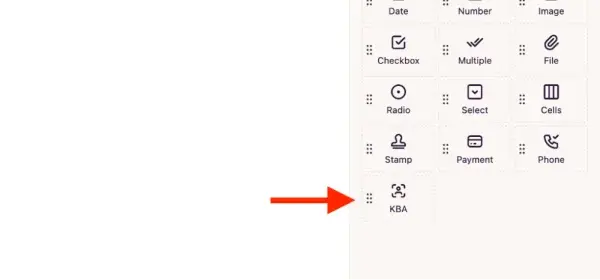
- Before adding the signature field you need to add the KBA verification field. This way the signer does the KBA verification before placing their signature and completing the document. Contact support@docuseal.com if you don’t see the KBA field.
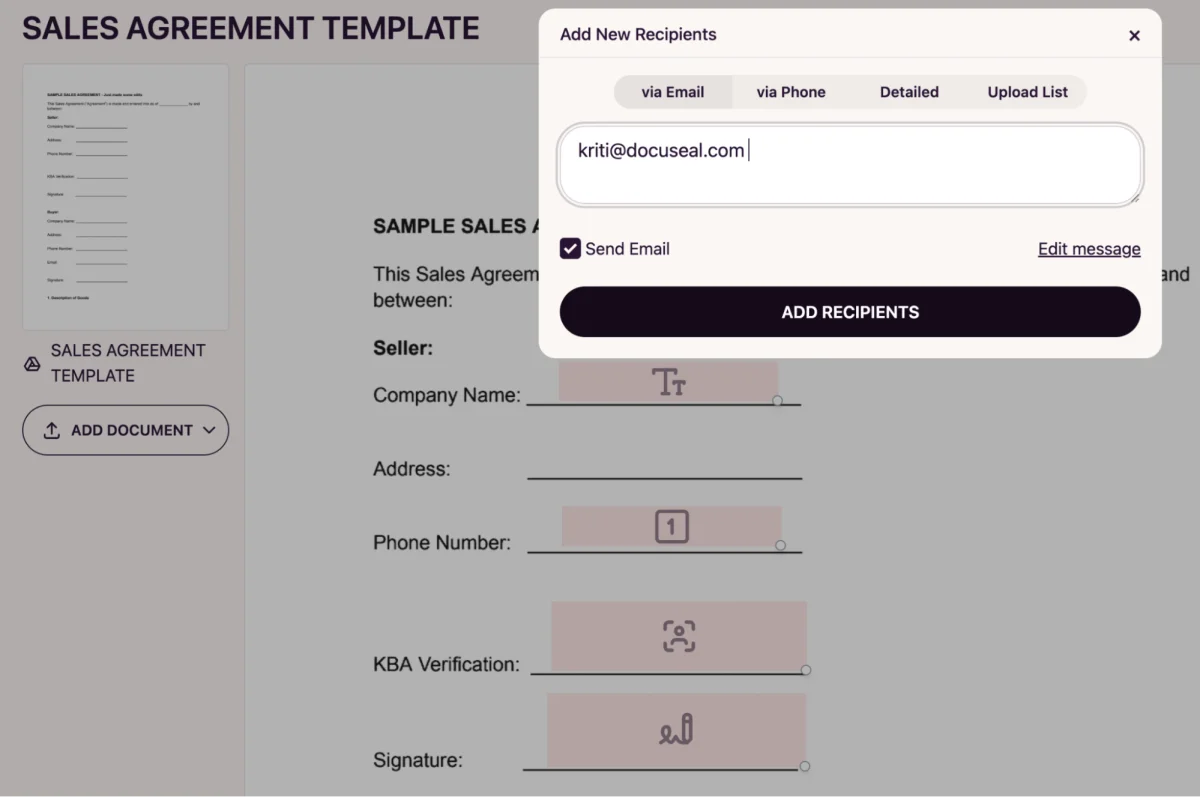
- Now you can click on send and enter the signer’s email address to send the signature request.
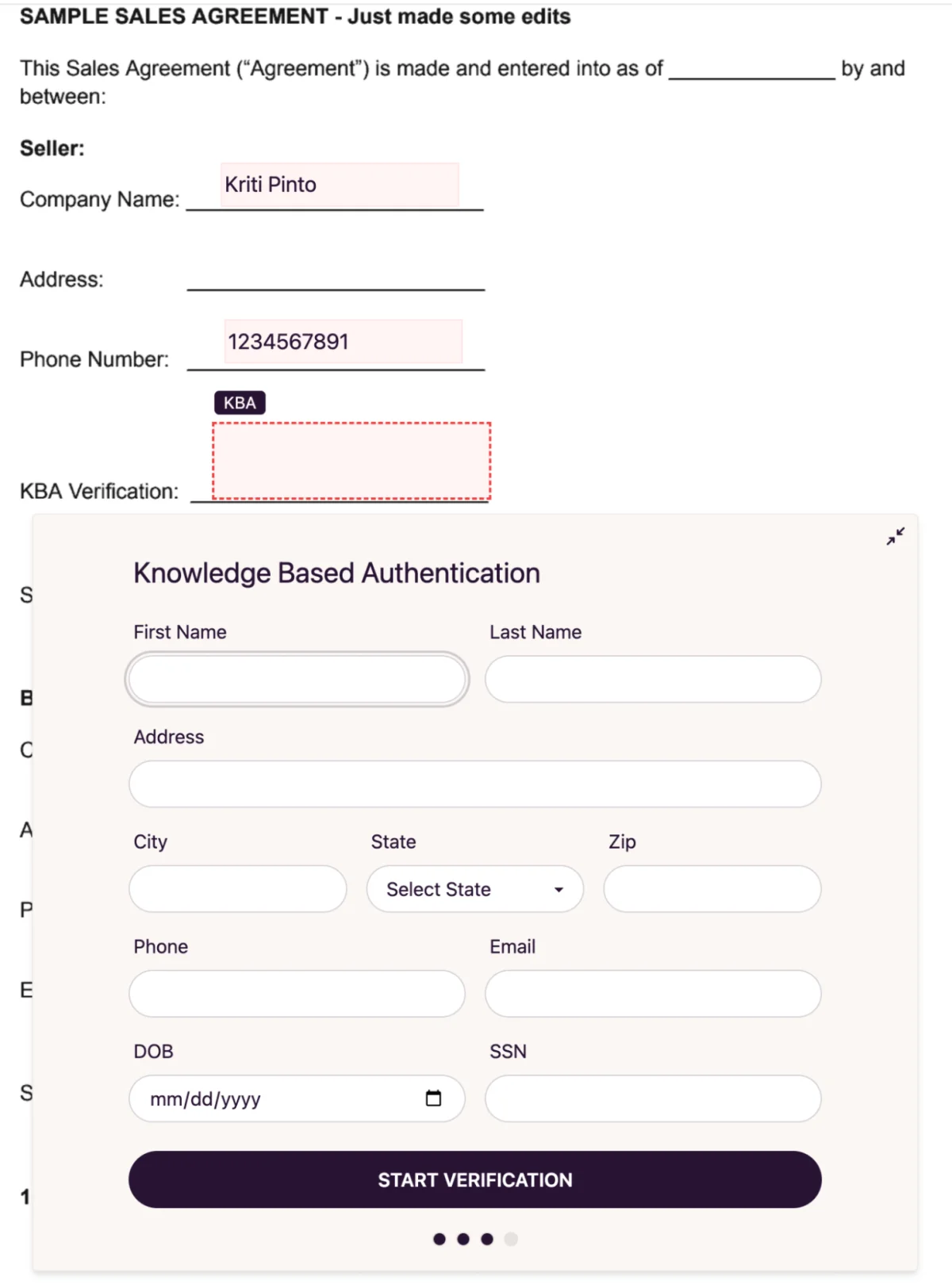
- When the signer clicks on the link, they will be prompted to fill the required fields for the KBA verification.
- Once the signer enters the necessary information, they answer questions based on the records associated with their name and the information provided.
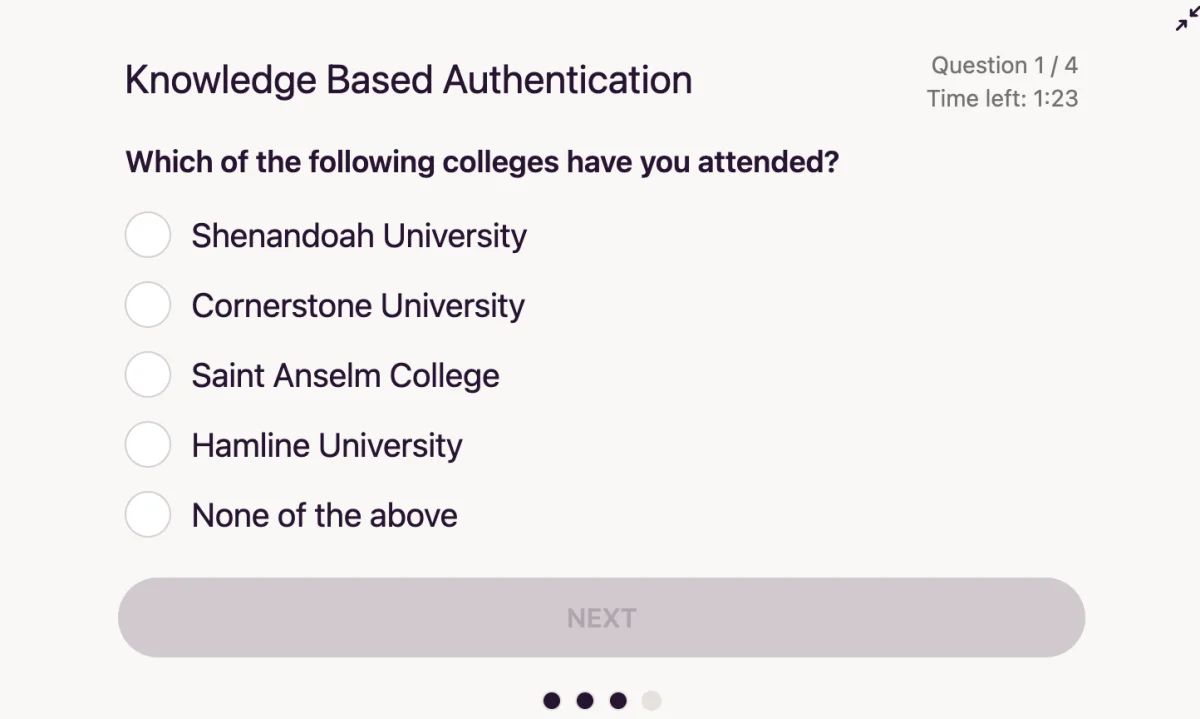
- If the signer answered all the questions correctly, they pass the KBA verification and will be able to sign and complete the document.
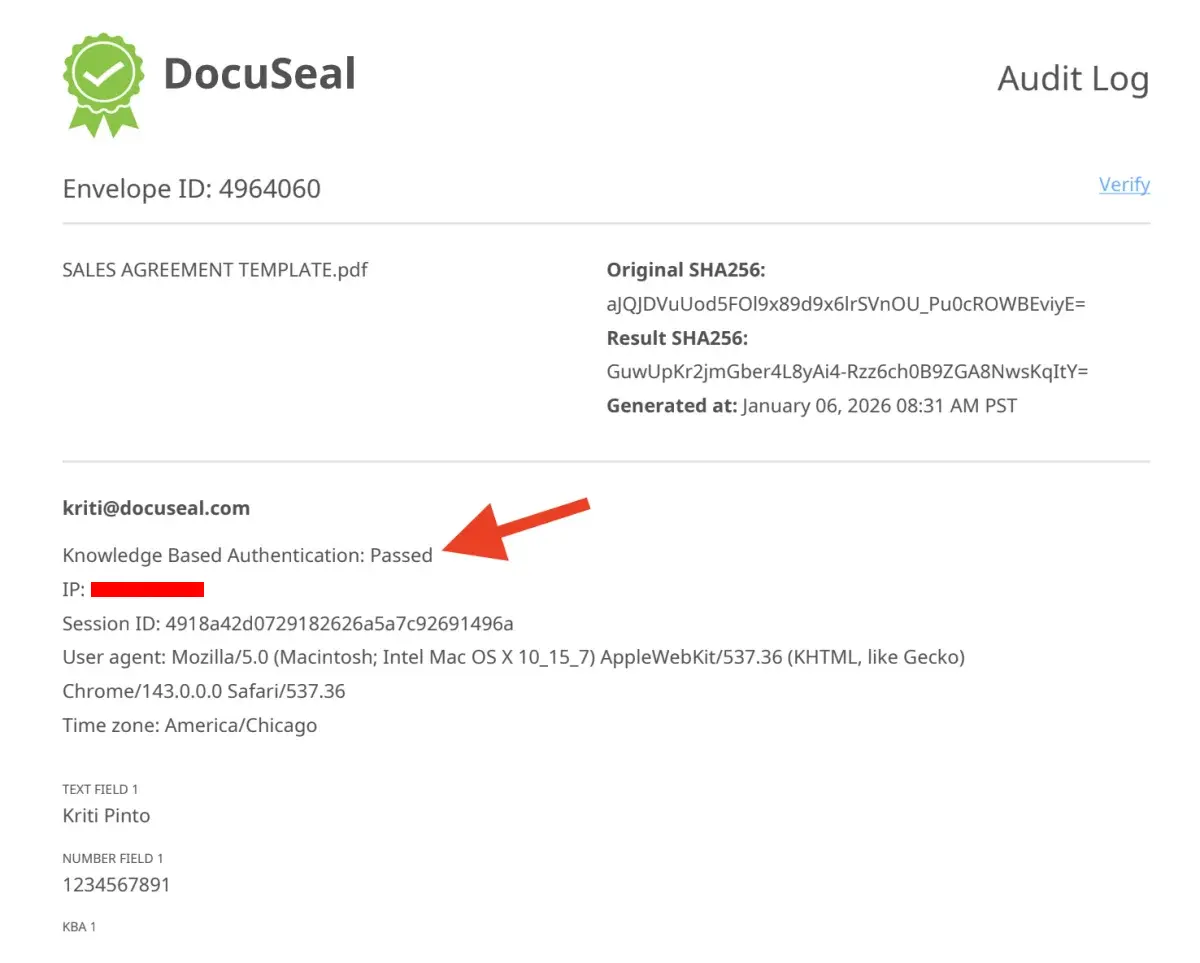
- All the signing parties and the signature requestor will receive the signed document along with the certificate of signature (audit log). This audit log will show the verification method as KBA for the signer.