Install a mobile app
DocuSeal Mobile App is available for iOS and Android. It works with your existing DocuSeal account, so everything you do in the app is instantly available in the web app and the other way around.


Notes:
- A stable internet connection is required for the app to function properly.
- The iOS app requires iOS 26 or later. The Android app requires Android 9 or later.
- The app works with DocuSeal Cloud (Global and Europe) and with on-premises installations.
Installing DocuSeal mobile app on iOS
- Open the DocuSeal app page in the App Store, or search for DocuSeal in the App Store app.
- Tap Get and confirm the download.
- Open the app from your home screen.
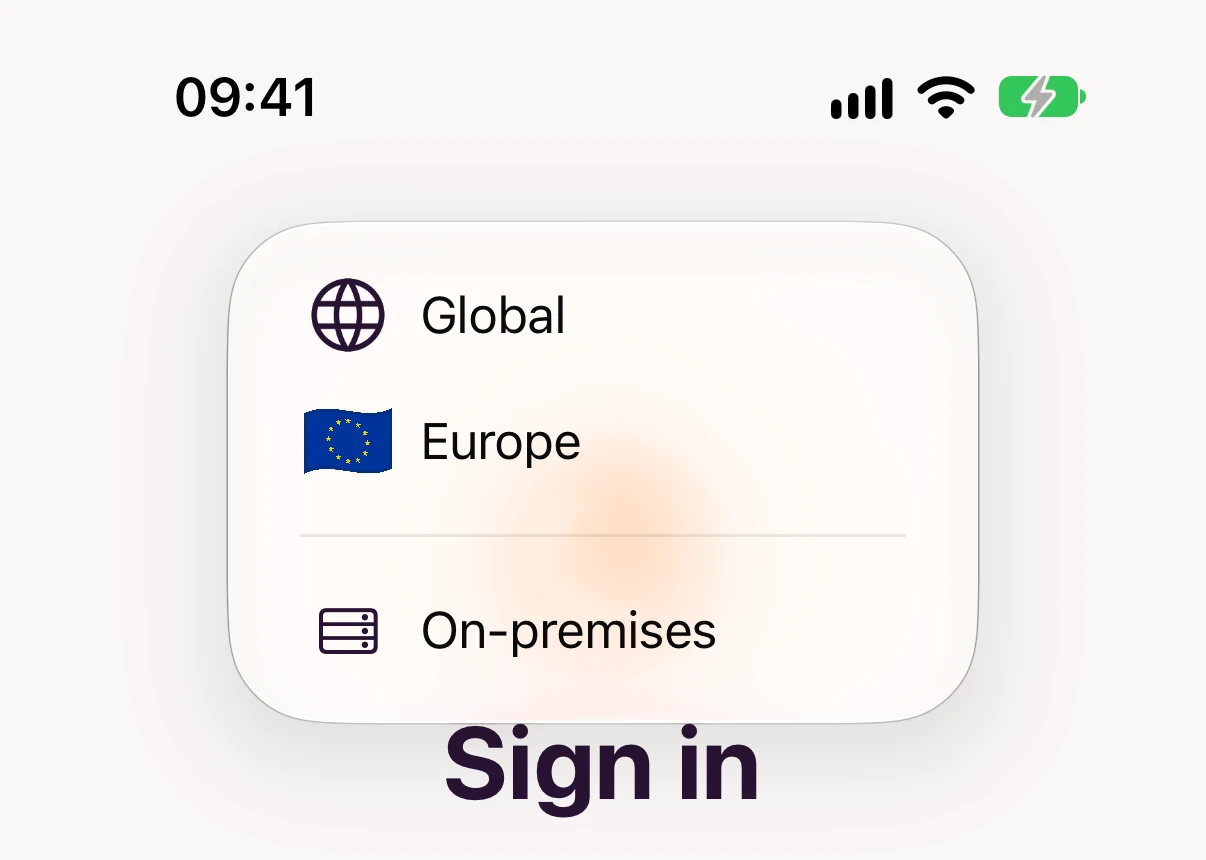
- On the sign-in screen, choose your server in the dropdown at the top:
- Global for docuseal.com
- Europe for docuseal.eu
- On-premises for a self-hosted DocuSeal (enter the URL of your instance).
- Sign in with your email and password, or with Sign in with Apple or Sign in with Google.
- Done. Your templates and submissions are now available on your iPhone.
Installing DocuSeal mobile app on Android
- Open the DocuSeal app page in Google Play, or search for DocuSeal in the Play Store app.
- Tap Install.
- Open the app from your home screen or app drawer.
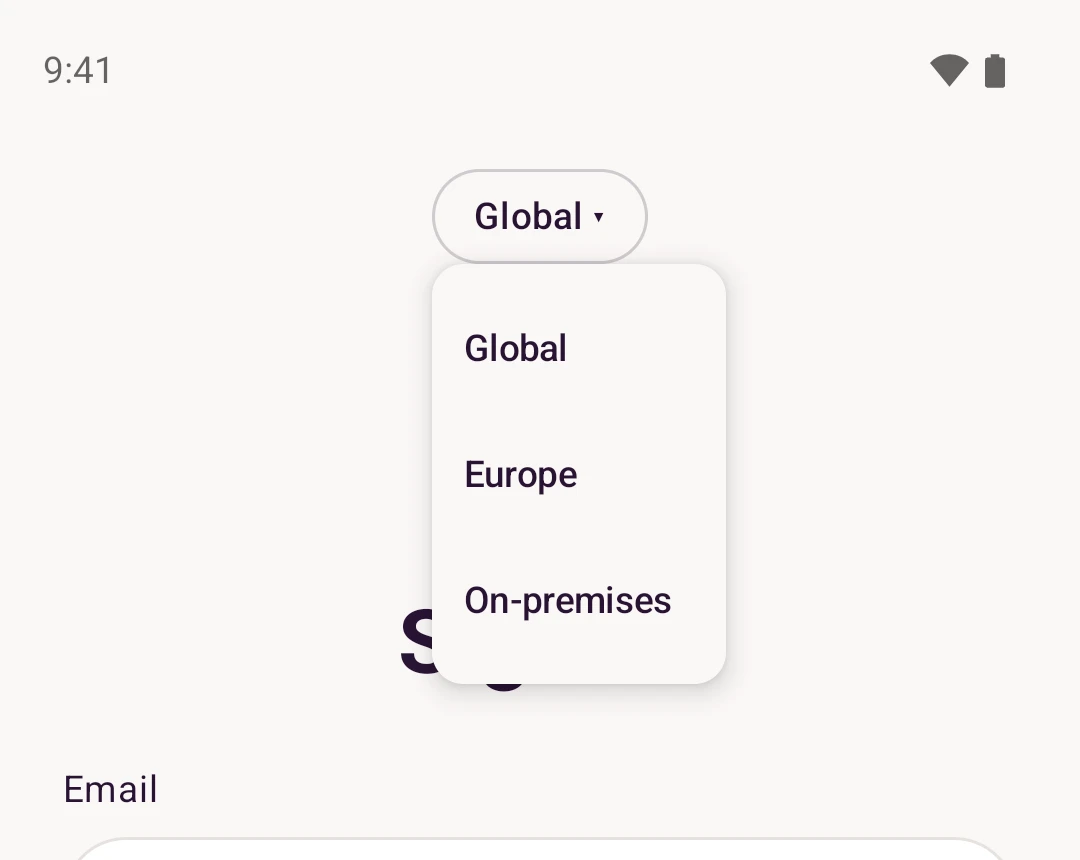
- On the sign-in screen, choose your server in the dropdown at the top:
- Global for docuseal.com
- Europe for docuseal.eu
- On-premises for a self-hosted DocuSeal (enter the URL of your instance).
- Sign in with your email and password, or with Sign in with Google.
- Done. Your templates and submissions are now available on your Android device.