Decline documents
DocuSeal allows signers to decline a signing request if they do not wish to sign the document. The sender will be notified of the decline with the reason provided.
Account admins can configure the decline option in the account settings. By default, declining is enabled.
- Go to Settings → Account page.
- Find the Allow to decline documents toggle.
- Toggle the option on or off as needed.
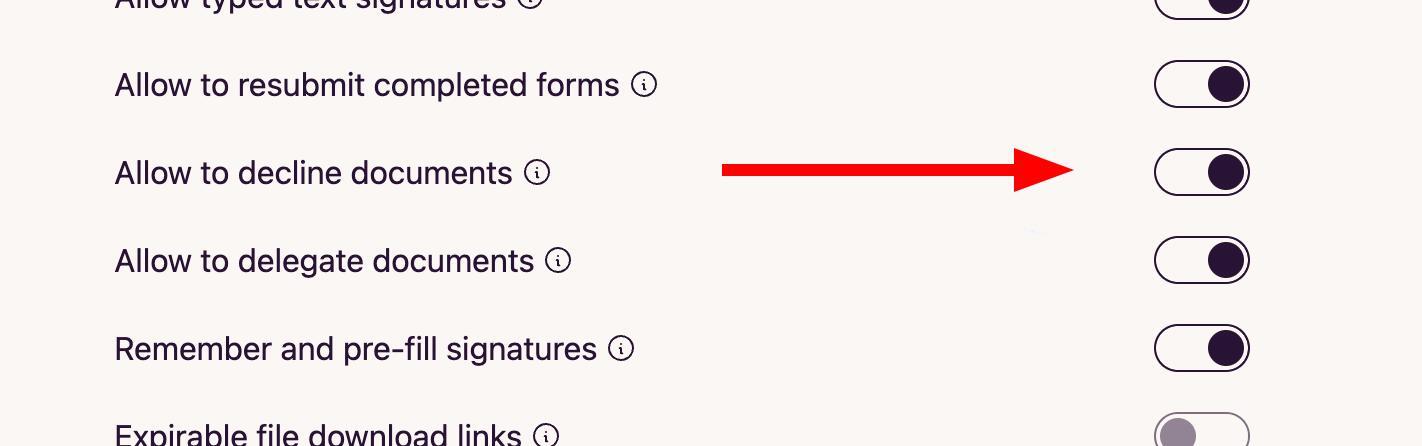
Once declining is enabled, signers will see a Decline button on the signing form page.
- Open the signing request email or link that was sent to you.
- On the signing form page, click the Decline button.
- Optionally, provide a reason for declining the document.
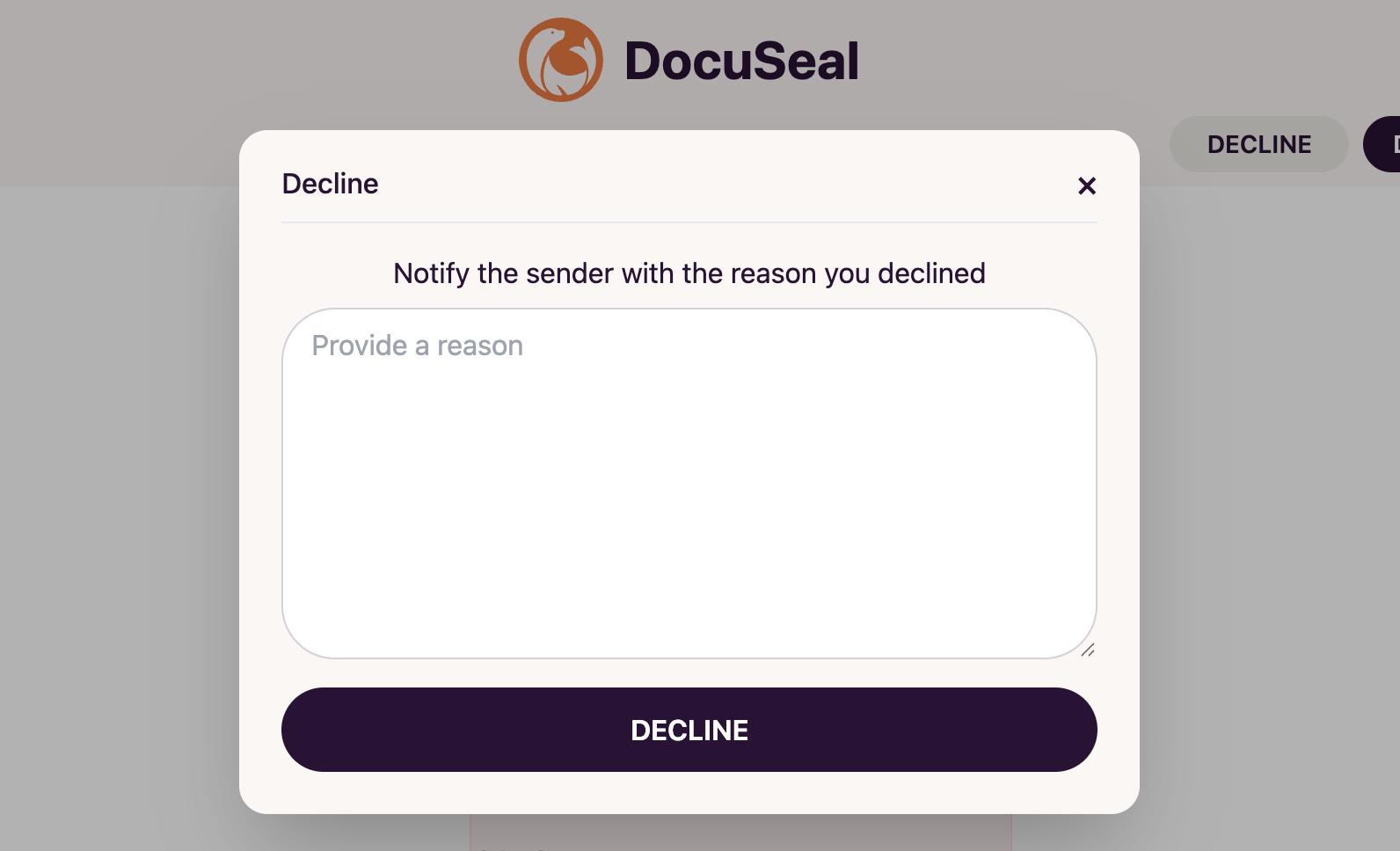
- Click Decline to confirm. The sender will be notified that you have declined to complete the document with the reason provided.
Note: Declining a document is permanent for that submission. If needed, the sender can create and send a new signing request.